
TerraScan User Guide
Find rails
Not Lite
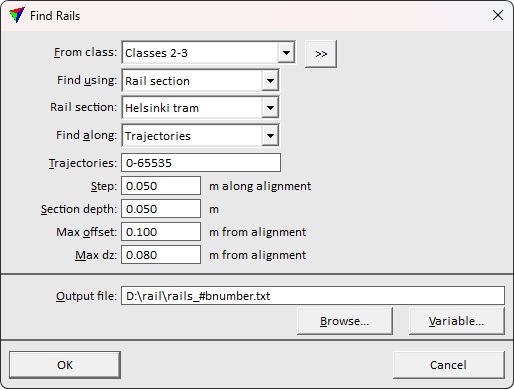
Find rails action performs the same process as the Find rails tool. Instead of creating rail vector elements directly to the CAD file, it stores the rails into text files. The elements can be read to the CAD file using the Read / Rails command. The storage location and name of the output file(s) are defined in the action settings. If the macro runs on a project with several blocks, the file name should include a variable, such as the block name.
Return value: Number of line elements written in the text file.