

TerraModeler User Guide
View Slope
 View Slope tool shows the slope gradient and the slope direction of a surface model triangle at the mouse pointer location.
To view slope directions and gradients:
1. Select the View Slope tool.
This opens the View Slope dialog:
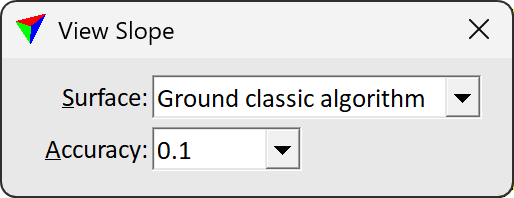
2. Select a Surface model and Accuracy setting.
3. Move the mouse pointer inside the surface area.
If the mouse pointer is inside a surface model, the triangle at the mouse pointer position is highlighted, its slope direction is displayed as an arrow, and its gradient is displayed as numerical percentage value in the status bar of the CAD platform.
Setting |
Effect |
|---|---|
Surface |
Name of the surface for slope gradient and direction display. |
Accuracy |
Number of decimals for the slope gradient display. |